
Skip the editor.
Get the clips.
Drop in a long video. Get finished Shorts, Reels and TikToks — captioned, edited and ready to post.
10 free minutes of video. No card required.
One-click edit
An hour of video. Clips in 10 minutes.
You watch all of it to find the good parts. Scrub, rewind, scrub again.
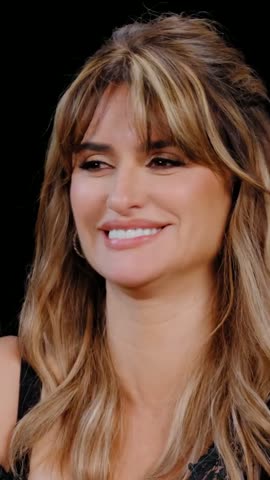
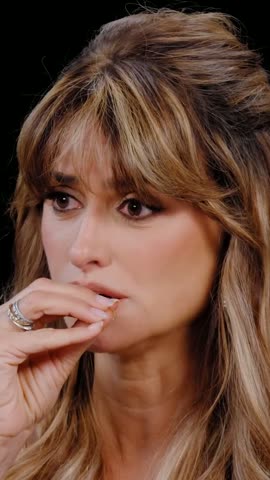
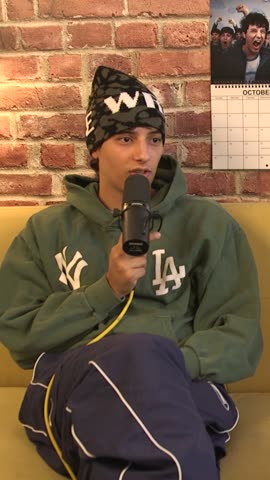
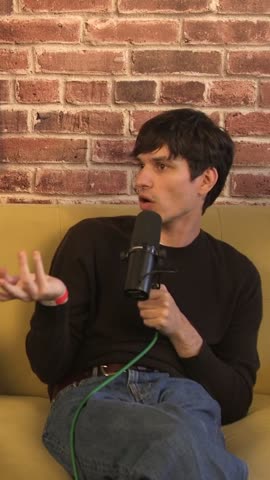
It watches every frame while you do something else. Come back to vertical clips.
One click. Finished clip.
It reads every frame first: who's on screen, what's said, and what's worth a clip.
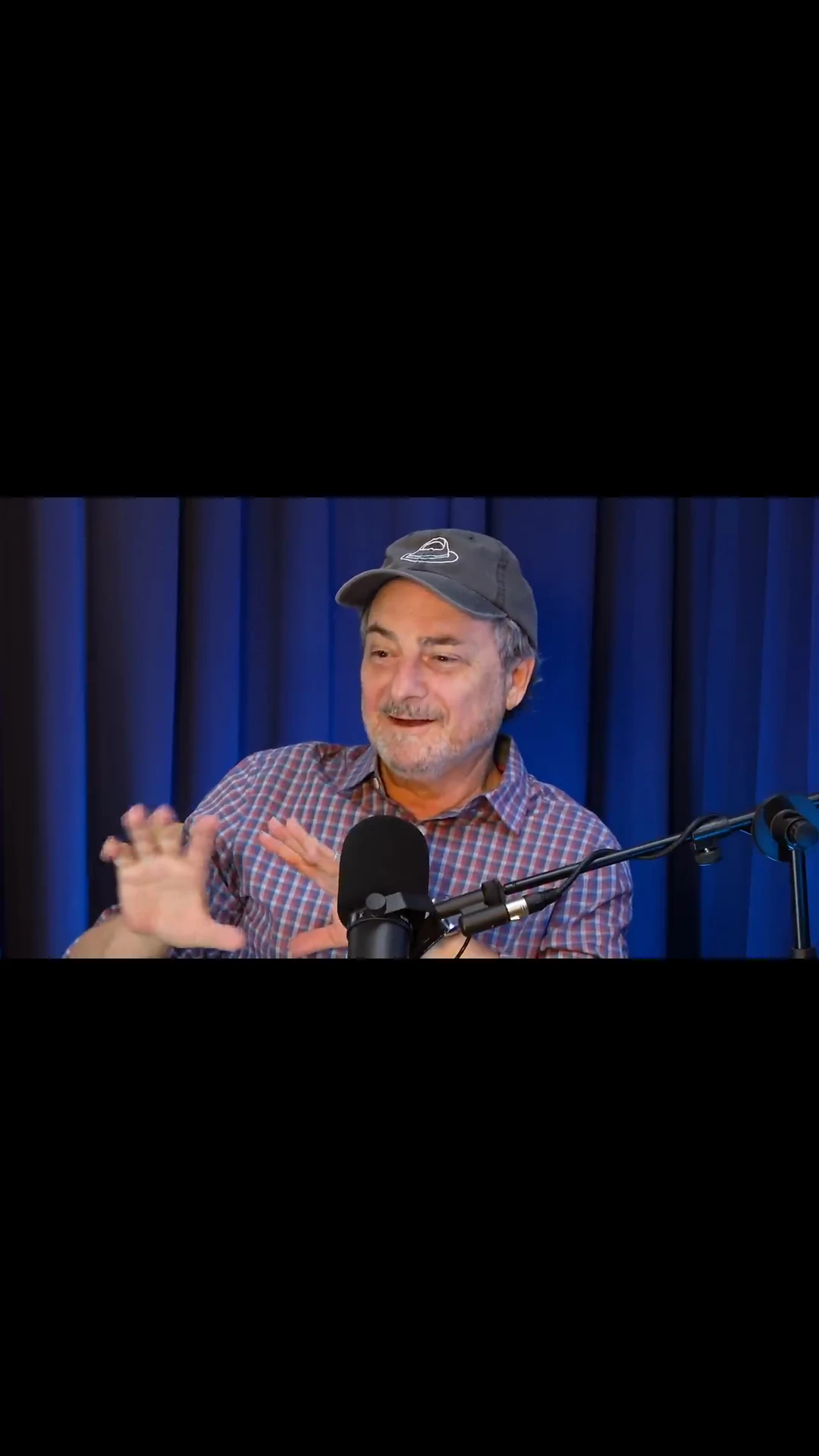
Many videos. One finished edit.
Describe the vibe. It picks the moments from all your videos, puts them in order and edits the whole cut.
Or pick yourself.
Every suggestion says why. One tap to apply.
Effects on the big moment.
Timed to what happens on screen.
Framed for vertical.
Facecam over gameplay, the speaker over the room, two hosts stacked.
Auto-edit is on paid plans
Upload. Pick. Post.
In minutes, not weekends.
How ClipMaster compares
Minutes that never expire. Hour-long videos on every plan. No watermark on paid plans.
← scroll to compare →
Start free. Upgrade later.
1 token = 1 minute of video. Subscriptions include a monthly minutes allowance plus AI suggestions, smart crop, and unlimited exports.
Need more minutes in a busy month? Subscribers can buy token top-up packs anytime — tokens never expire.
Frequently asked questions
Getting started
Can I import from YouTube instead of uploading?
Yes, on paid plans: paste a YouTube link instead of picking a file and it runs the same pipeline: clips, captions, formats, everything. On the free plan, upload the video file instead.
Can I look around before uploading anything?
Yes. Every new account gets demo projects already processed, so you can browse detected clips, open the full editor and see what the output looks like before you spend a minute of your own.
Can I process multiple videos at once?
Yes. Queue as many as you like, then either apply one set of settings to all of them or configure each file on its own — detection mode, orientation, captions and clip length. Five process at a time.
How does pricing work?
One meter: 1 token = 1 minute of video. A 10-minute upload costs 10 tokens, charged when processing starts, so you know the cost before you commit.
Free gives you 10 minutes once, frame-by-frame scene detection and 5 watermarked exports a month. Subscriptions add a monthly allowance, Auto-edit and AI suggestions, smart crop, compilations, caption translation, YouTube link import and scheduling, API access and unlimited watermark-free exports. Busy month? Subscribers can buy one-time top-up packs. Tokens never expire and unused minutes roll over.
How long does processing take, and how long can a video be?
Up to 90 minutes per video, on every plan. Processing usually takes 5–10 minutes depending on length, because every frame gets analysed. You can watch the progress live rather than guess.
Do my videos get deleted?
No. Your uploads and clips stay in your library until you delete them.
How it finds the moments
How does semantic search work?
Describe what you want in plain language — "crowd cheering", "product reveal", "the reaction shot" — and it searches the audio and the picture together, then shows a confidence score per result. Or skip the query and let it detect scenes on its own.
How does it decide which clips are worth posting?
Every detected clip comes back already labelled, before you render anything:
Virality tier — Hot, Warm or Neutral, from hook strength and emotional intensity. Clip type — Highlight, Story, How-to or Transition, which you can filter the grid by. Auto hook — a suggested opening line. Topic tag — what the moment is actually about. Confidence score — how sure it is this matches what you asked for.
How does it turn a wide shot into a vertical clip?
On a paid plan, open a clip in the editor and press Analyze layout. The AI looks at frames across the clip — faces, video-call tiles, webcams, screens, gameplay — and gives every shot the vertical layout that fits it, switching right on the camera cuts.
Focus follows one speaker and holds still when they barely move. Split, Three and Grid (2×2) give each person their own pane, Spotlight puts a call's active speaker big on top of the whole grid, Screen + cam and Game + cam put the webcam above the screen or the game, and Fit shows the whole frame. Keep Auto or pick one for the whole clip.
Does it work on videos I already uploaded?
Yes. Layouts are analyzed per clip, whenever you ask: open a clip in the editor — old projects included, as long as the clip still plays there — and press Analyze layout. No re-upload, and no extra tokens.
Editing
Do I still need a video editor?
For most short-form posts, no. Trim, captions, zoom, screen effects, speed, GIFs, stickers, reaction clips, emoji, sound effects, mute, your logo and a progress bar all happen here, or let Auto-edit do the first pass. For multi-cam edits or colour grading, keep your editor; ClipMaster hands you the clip ready to drop in.
Can it edit the clip for me?
Yes, on paid plans. Press Auto-edit and it plans the whole edit from what's said and what happens on screen: zooms, screen effects, stickers, sound effects and speed changes, spaced so they don't crowd each other. Shuffle gives you another take; Undo takes back exactly what it added. On a compilation it also fades between scenes, titles the opening, picks the music, changes speed where it helps and drops in up to two reaction memes.
What can I do with captions?
15 presets: Clean, Bold Pop, Hormozi, Stacked, Neon Glow, Minimal, Highlighter, Cinematic, News, Corporate, Bounce, Typewriter, Comic, Fire and Wave.
Customise text, highlight and stroke colour, font size, stroke width and an UPPERCASE toggle. Position top, centre or bottom, nudge with a fine slider, or just drag the captions where you want them on the preview.
Karaoke mode fills each word as it is spoken. Word-level editing lets you click any word to fix the transcription, retime it to 0.05 seconds, or drop an emoji onto that word.
Can I translate the captions?
Yes, on paid plans. Pick one of 21 languages and the translation sits as a second line under the spoken words. Each clip is translated on its own in a few seconds, for 1 token per language.
What can I put on top of a clip?
GIFs: up to 5 per clip from a searchable library in the editor. Drag to position, scale 10–500%, set when each appears. Fullscreen mode turns one into a full-frame cutaway over an auto-blurred background.
Stickers and reaction clips: transparent stickers, up to 5 per clip, that can sit on the speaker's face and follow it. Reaction clips are short movie, TV and meme lines with their sound: they pause your video, play full screen, then it carries on.
Screen effects and speed: timed looks like black & white, rage, flash, shake or party lights, and speed ranges that speed up dead air or slow down the big moment.
Sound effects: a 22-sound library in three categories, up to 10 per clip, each with its own volume. Ask AI to suggest placements and it reads the transcript and tells you why it picked each moment.
Emoji: floating emoji that pop in and drift, positioned on the canvas, or inline ones attached to individual caption words. AI can suggest these too, at whatever density you want.
Zoom: snap or glide in on any moment, hold it as long as you like, from 1.05× to 2.5× with a 9-point focus centre. Zooms stack.
What formats can I export?
Original aspect, vertical 9:16 for TikTok, Reels and Shorts, horizontal 16:9 for YouTube, and square 1:1 for feeds. Uploads can be MP4, MOV or AVI. Every render is kept in an export history with its token cost, so you can re-download it later without paying again.
Publishing and automation
What is a social-ready video?
As well as the individual clips, one finished video gets built from your strongest moments while the upload processes, at no extra cost.
Loop starts on the hook and ends on the frame it began, so it replays seamlessly. Tutorial opens with the result, then numbered steps. Q&A leads with the sharpest quote, then tight pairs. Auto picks one, and you can switch it any time.
Can I build one video from several projects?
Yes. Compilations pull clips from your whole library. Describe a theme and AI proposes a line-up with its reasoning, or build it yourself. Let the AI cut it as a Best-of, Countdown, Trailer or a montage from your own brief, then refine it scene by scene: trim without touching the original clip, put clips side by side in split screens, and add transitions, text cards, background music and your own voiceover.
Can I add memes, screenshots or my own footage?
Yes, in compilations on paid plans. Add a reaction meme, your own video or an image as a scene of its own, or put it beside a clip in a split screen so the proof is on screen while someone explains. Memes and images are free; an uploaded video costs 1 token a minute, like any footage.
Can ClipMaster post to YouTube for me?
Yes. Connect a channel once, pick any clip or your social-ready video, choose a time, and it uploads on schedule. A month calendar shows everything queued, rendering, published or failed.
AI drafts the title, description and hashtags from the clip so you are editing rather than starting blank. Reschedule or cancel any time before it goes live. Paid plans.
Can I automate this from code or from Claude?
Yes. Paid plans include a REST API keyed with your own token — upload or import a video, poll it, list and edit clips, render exports, build compilations and schedule posts. It is metered by the same tokens as the app, with no separate bill.
There is also a ClipMaster connector for Claude and ChatGPT: paste one URL into the app, approve it, and it drives the whole pipeline from a conversation. Add the ClipMaster skill to Claude and it also knows the workflows and the rules that protect your tokens. Setup and the skill are at /docs/mcp, the full endpoint reference at /docs/api.
Video editing is 10% creativity and 90% logging — watching raw files just to find the few seconds you actually need. I got tired of it, so I built a tool that watches the footage for me.
Finally, an AI that sees.
Bring your longest video. Find out what's in it.
10 free minutes. No card required. Cancel anytime.