Your AI Made 30 Clips. Post 4 of Them.
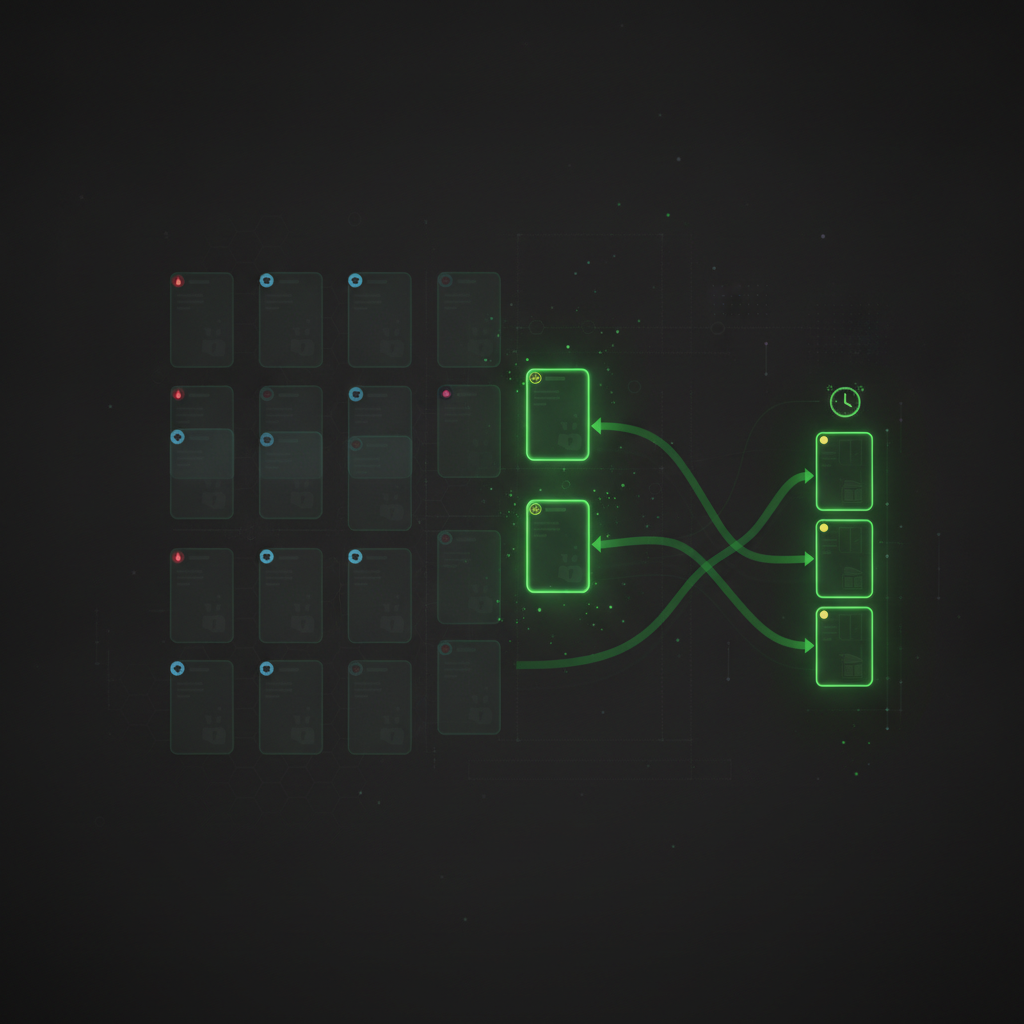
AI clipping tools have quietly created a new problem. The old problem was finding good moments in hours of footage; that is largely solved. The new problem is that one podcast episode now produces 30 candidate clips — and posting all 30 is exactly as bad a strategy as posting none.
Curation is the new bottleneck. This article gives you a fast, repeatable triage system: how to think about clip types, how to use virality signals without being ruled by them, and how to go from "30 candidates" to "this week's queue" in ten minutes.
Not All Clips Do the Same Job
The biggest triage mistake is ranking every clip on a single "is it good?" scale. Clips do different jobs, and a clip that is weak at one job can be excellent at another. Four types cover most of what AI clipping surfaces from real conversations:
- Highlights — punchlines, hot takes, big reactions. The moments with immediate energy. These are your reach plays: they stop the scroll and get shared, but viewers rarely remember whose channel they came from.
- Stories — self-contained narrative arcs: "the time we almost lost the company." Stories run longer and hook differently — viewers stay to hear how it ends. These build connection and subscriber intent, not just views.
- How-tos — a concrete explanation or tactic with standalone value. Lower ceiling on views, much higher save and follow rates. How-to clips are why someone decides your channel is useful rather than merely entertaining.
- Transitions — context shifts, topic changes, setup moments. Rarely worth posting alone, but valuable as connective tissue inside compilations and longer edits.
A healthy weekly mix is not five highlights. It is more like two highlights for reach, one story for connection, one how-to for authority. The mix compounds: highlights bring new viewers, stories and how-tos convert them into an audience.
What a "Hot" Score Actually Tells You
Good clipping tools score each clip's viral potential from signals in the moment itself: emotional intensity, hook strength in the first seconds, information density, and how well the segment stands alone without surrounding context. ClipMaster distills this into three tiers — Hot, Warm, and Neutral — visible on every clip card.
Use the score for what it is: a prioritization signal, not a verdict.
- Hot clips get reviewed first. When you only have time to polish three clips, the flame tells you where to spend it.
- A hot score is not a posting order. Three hot clips making the same joke are one post, not three. The score cannot see your feed's variety.
- Neutral does not mean bad. A neutral-scored how-to can be the clip that earns the most followers this month. Energy and usefulness are different axes.
The Ten-Minute Triage Workflow
Here is the full pass, assuming your AI tool has already detected and typed the clips:
1. Filter to Hot, Pick Your Reach Plays
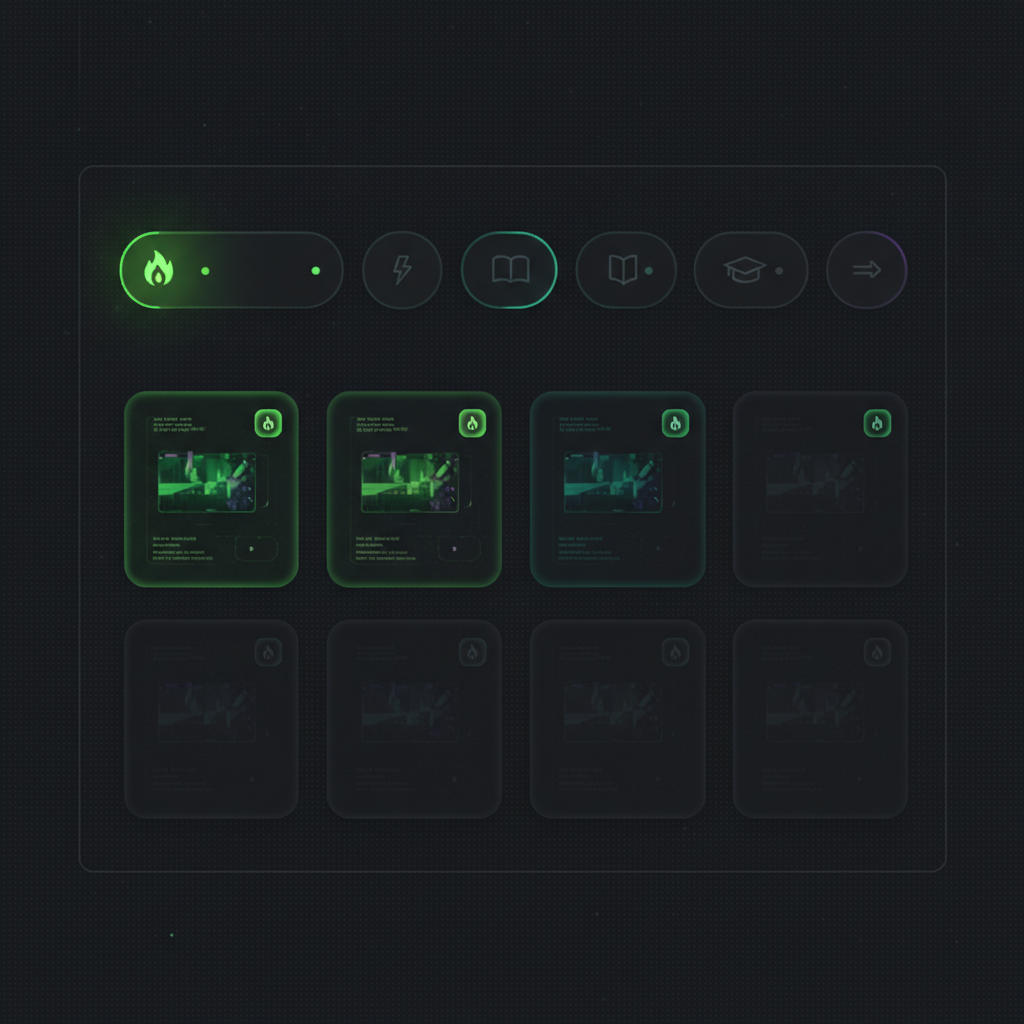
Filter the clip list to hot clips only and watch just those. You are picking one or two — the strongest hook wins, and near-duplicates get cut here. In ClipMaster this is one click on the Hot filter above the clip grid; the count on each filter chip tells you what you are dealing with before you start.
2. Filter by Type, Fill the Mix
Switch to the Stories filter and pick the one story that stands alone best. Then How-to, and grab the most concretely useful explanation. You now have a balanced week — reach, connection, authority — instead of five clips that all shout.
3. Rename What You Keep
"Scene 23" tells you nothing next week. Give every keeper a real name — the hook, or the payoff — so the clip is findable when you schedule it. Thirty seconds now saves a re-watch later.
4. Kill the Rest Without Guilt
The remaining 25 clips are not failures; they are raw material that did not make this week's cut. Some become compilation segments. Most simply served their purpose: making sure the good four did not stay buried in the footage.
Matching Clip Types to Platforms
The same clip does different work on different platforms, and type is the best predictor:
- Highlights travel everywhere — TikTok, Reels, and Shorts all reward raw energy in the first two seconds.
- Stories overperform on YouTube Shorts, where viewers tolerate — and reward — 45–60 second arcs with completion.
- How-tos are LinkedIn and YouTube material: platforms where "saveable" beats "shareable" and utility earns follows.
This is also the argument for scheduling from the same tool that typed the clips: the type badge is sitting right on the card while you decide where and when it publishes.
The creators who win with AI clipping are not the ones who post the most clips. They are the ones who developed taste fast — and taste at scale is just a good triage system applied every week.
From 30 Candidates to a Curated Queue
ClipMaster types every detected clip (Highlight, Story, How-to, Transition), scores its viral potential, and puts both on the clip card — with one-click filters to slice the grid by exactly the type you are hunting for. Review the hot ones, balance the mix, rename the keepers, schedule the week. Ten minutes, done.
Upload your next recording and try the triage pass on your own footage — the difference shows up in your first filtered view.