How to Find the Best Moments in a Long Video
You recorded a 90-minute podcast, a 45-minute webinar, or a full hour of gameplay footage. Somewhere inside that raw material are 10-15 moments that would make genuinely compelling short-form clips. The problem is finding them — and doing so before you lose an entire afternoon scrubbing through a timeline.
Highlight extraction is the single biggest bottleneck in the long-to-short content pipeline. This guide covers both manual techniques and AI-powered approaches so you can choose the method that fits your workflow and volume.
Why Finding the Best Moments Is So Difficult
Long-form video is unstructured by nature. Unlike a blog post where you can skim headings, a 60-minute recording requires you to watch (or at least scrub through) the entire thing to identify what is worth clipping. The challenge compounds with volume: if you record three hours of content per week, that is three hours of review before any editing even starts.
Most creators default to clipping the moments they remember being good during recording. This approach misses gems — the unplanned tangent that would resonate with an audience, the reaction that would go viral, the concise explanation that answers a common question perfectly. Memory is a poor search engine for video content.
Manual Techniques for Finding Video Highlights
Before AI tools became practical, creators developed several manual workflows for highlight extraction. These still work, especially for smaller content operations.
Timeline Scrubbing with Markers
The most common approach: play the video at 1.5-2x speed and drop markers at moments that feel clip-worthy. Tools like Premiere Pro, DaVinci Resolve, and even YouTube Studio support timeline markers. After a full pass, go back to each marker and evaluate whether the moment stands on its own as a clip.
Pros: You maintain full creative control and context.
Cons: A 60-minute video still takes 30-40 minutes to review at 2x speed. It scales poorly with volume.
Audience Retention Graphs
If you have already published the long-form video on YouTube, the audience retention graph in YouTube Analytics is a powerful signal. Spikes in the graph indicate moments where viewers rewound or where new viewers started watching. These are empirically validated highlight moments — the audience is telling you what they found most interesting.
Pros: Data-driven, not subjective.
Cons: Only available after publishing. Requires enough views to generate meaningful data. Does not help with content you want to clip before uploading the full video.
Transcript Scanning
Generate a transcript (using Whisper, YouTube's auto-captions, or a transcription service) and scan the text for interesting passages. This is faster than watching the video because reading is 3-5x faster than listening. Once you identify promising sections in the transcript, jump to those timestamps in the video.
Pros: Significantly faster than full video review.
Cons: Misses visual-only moments (reactions, on-screen action, b-roll segments). Transcripts can be hard to scan without context.
AI-Powered Moment Detection: How It Works
AI video analysis has matured rapidly. Modern highlight extraction tools go far beyond simple transcript analysis to identify clip-worthy moments. Understanding how they work helps you evaluate which tools to trust.
Transcript-Only Analysis (First Generation)
The earliest AI clipping tools worked exclusively from transcripts. They used language models to identify quotable statements, complete thoughts, and topic boundaries. This approach is fast and cheap to run, but it shares the same limitation as manual transcript scanning: it is completely blind to visual content.
A speaker pausing for a dramatic reaction? Invisible to transcript analysis. An exciting visual moment with no dialogue? Completely missed. A segment where the speaker stumbles over words but the visual content is compelling? Likely filtered out as low quality.
Multimodal Analysis (Current Generation)
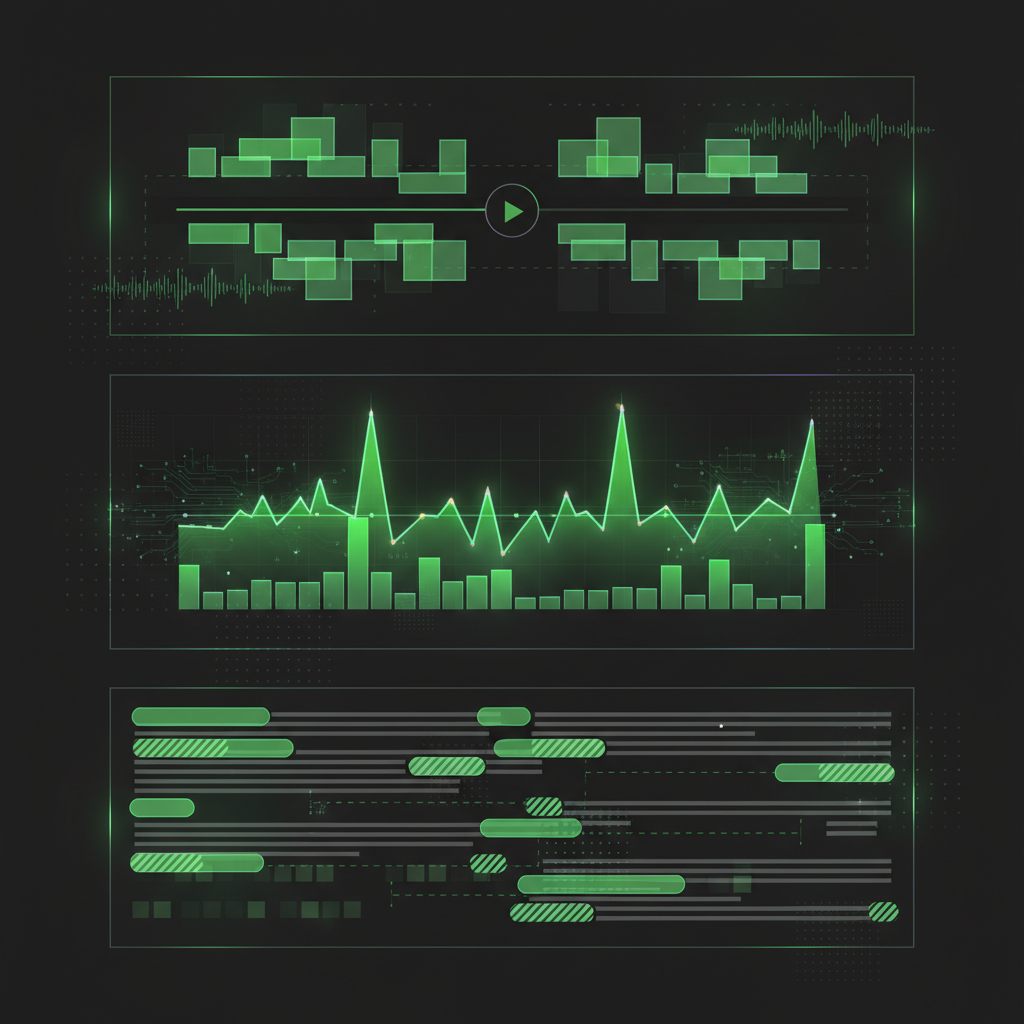
Current-generation tools analyze both audio and visual signals simultaneously. This means the AI considers:
- Speech content: What is being said, topic coherence, quotability, and emotional tone.
- Audio energy: Laughter, applause, raised voices, dramatic pauses — signals that indicate high-engagement moments.
- Visual activity: On-screen movement, scene changes, facial expressions, gestures, and visual variety.
- Pacing and rhythm: The natural cadence of conversation, identifying complete thoughts that start and end cleanly.
By combining these signals, multimodal analysis catches moments that transcript-only tools miss entirely. A quiet but visually powerful moment gets flagged. A segment with mediocre dialogue but an incredible audience reaction gets surfaced. The result is a set of highlights that more closely matches what a skilled human editor would select — in a fraction of the time.

Time Savings: Manual vs AI Highlight Extraction
The practical difference between manual and AI-powered approaches comes down to time. Here is a realistic comparison for a 60-minute source video.
- Manual scrubbing with markers: 30-40 minutes for review, plus 10-15 minutes per clip for rough cuts. Total: 3-5 hours for 10 clips.
- Transcript scanning: 15-20 minutes for transcript review, plus 10-15 minutes per clip. Total: 2-3 hours for 10 clips.
- AI-powered extraction: 5-10 minutes for processing, plus 2-3 minutes per clip for review and minor adjustments. Total: 30-45 minutes for 10 clips.
For a creator producing weekly long-form content, that difference is 2-4 hours saved per week — over 100 hours per year redirected from tedious scrubbing to actual creative work.
How ClipMaster Finds the Best Moments
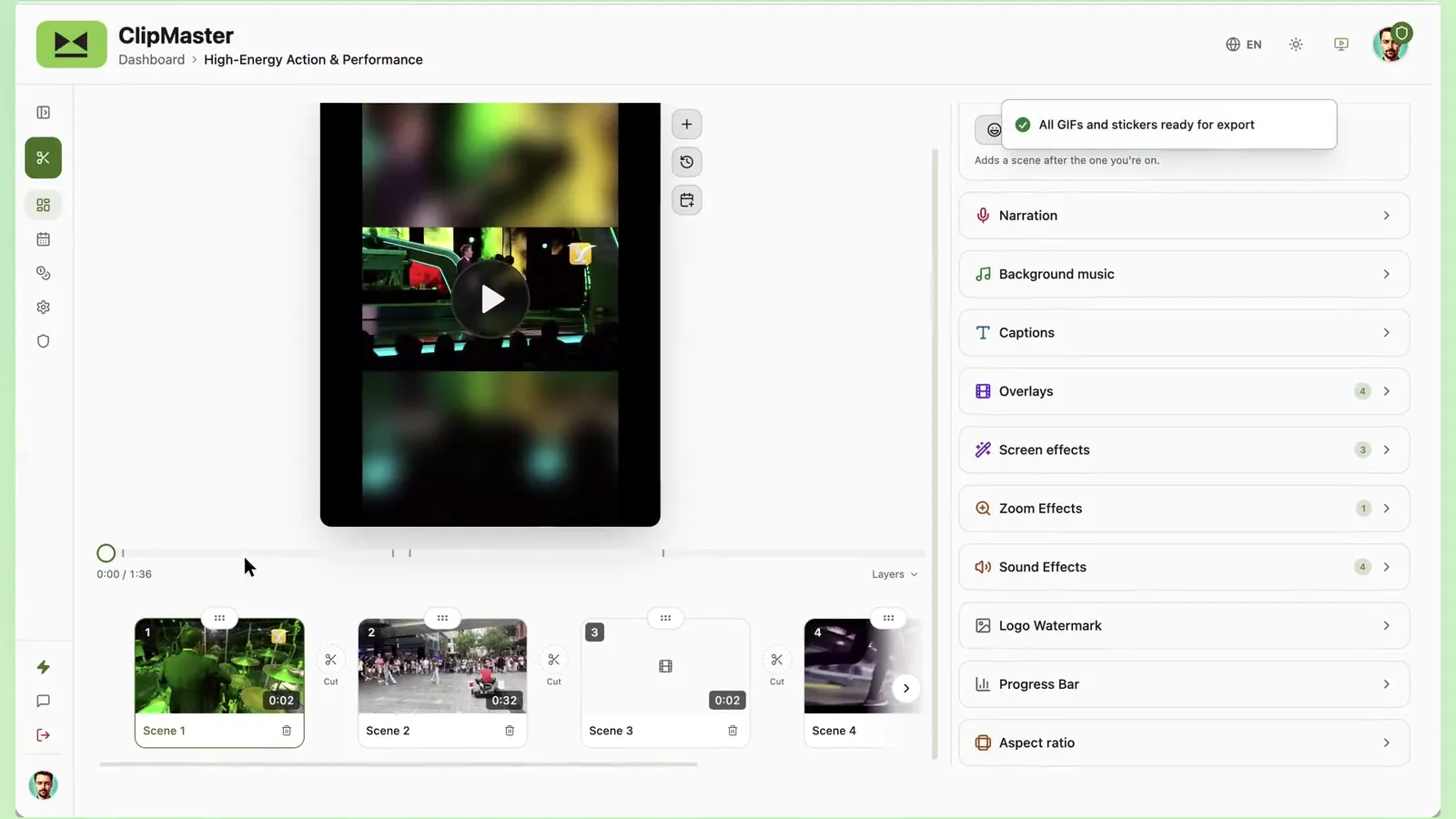
ClipMaster uses multimodal analysis to identify highlight-worthy segments in your video. When you upload a recording, the AI processes both the audio track and the visual content to score every moment in the video for clip potential.
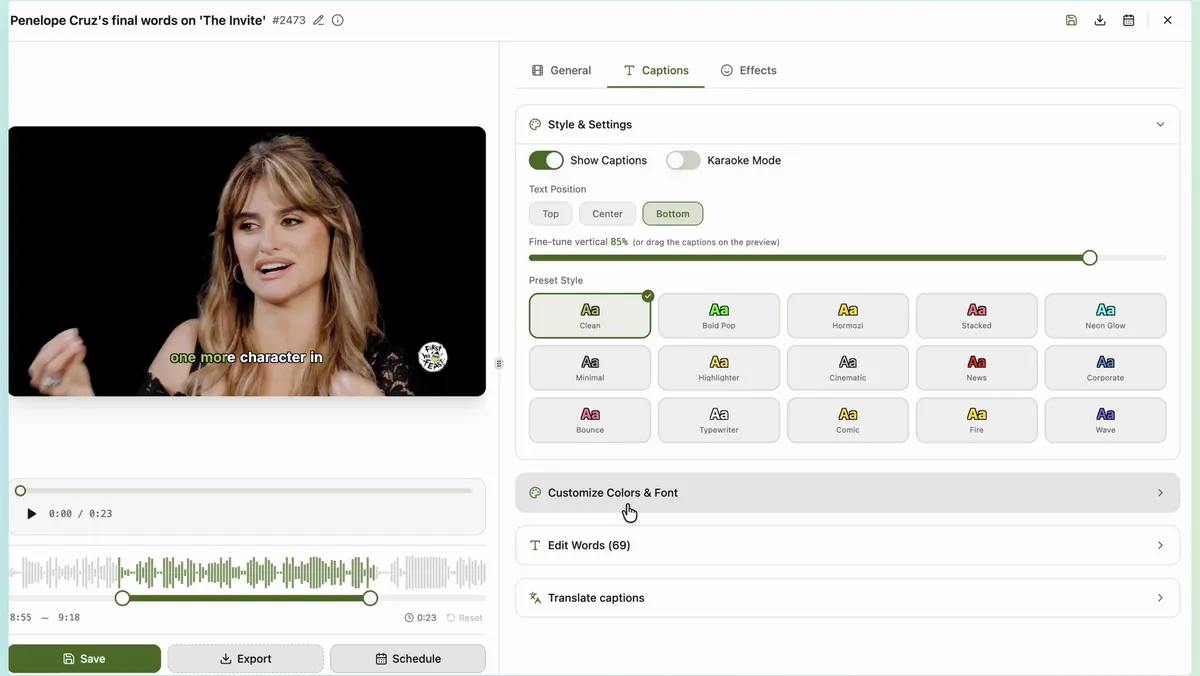
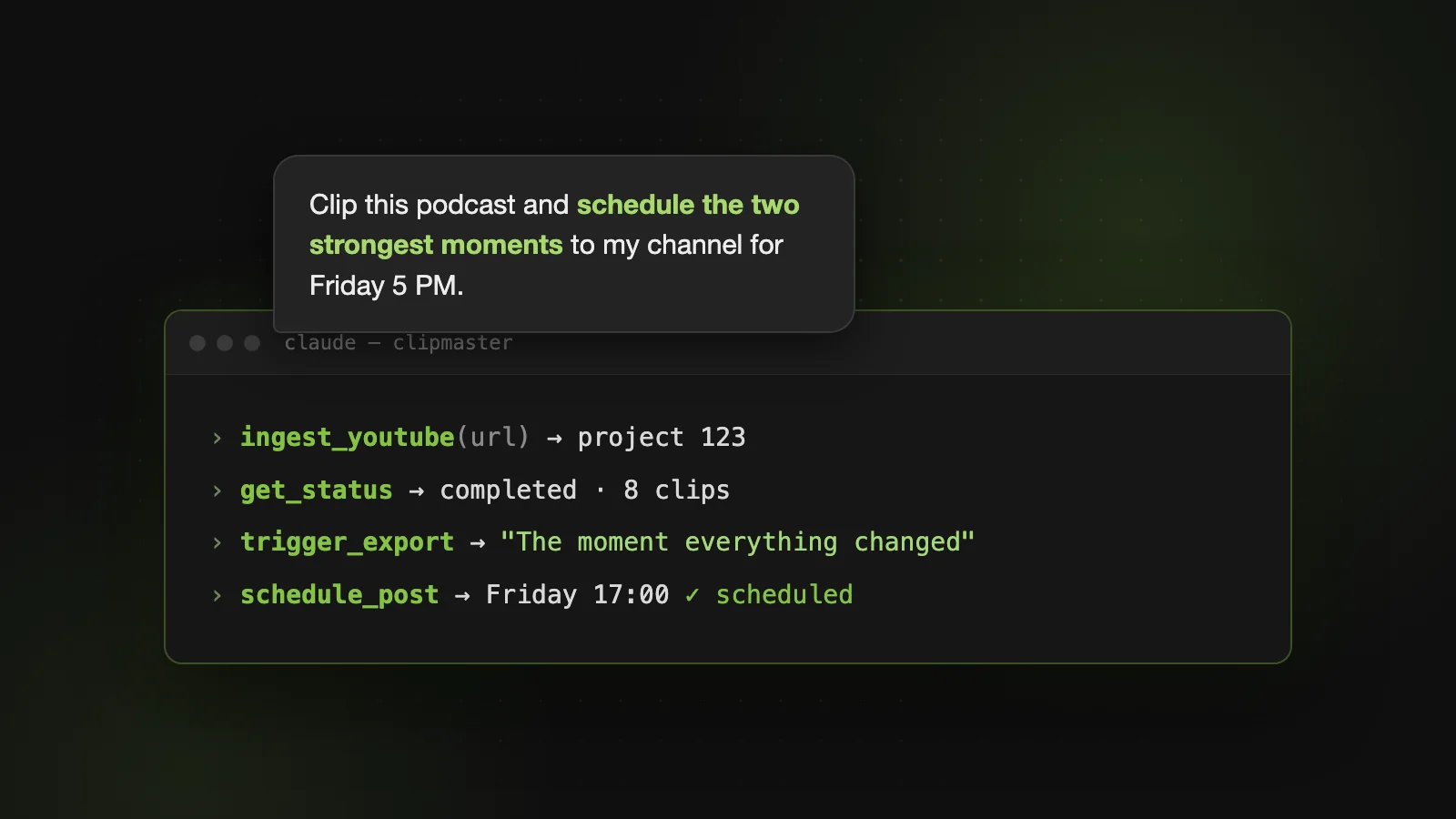
The output is a ranked set of clips, each with clean in and out points that respect natural speech boundaries. You review the suggested clips, adjust any trim points that need refinement, and export. The entire process from upload to finished clips typically takes under 15 minutes for an hour-long source video.
Because the analysis is not limited to transcripts, ClipMaster catches moments that text-based tools overlook: visual gags, audience reactions, physical demonstrations, and emotionally charged pauses. It surfaces the moments that feel like highlights, not just the ones that read well on paper.
Tips for Getting Better Highlights (Manual or AI)
Regardless of your extraction method, these practices improve the quality of your clips.
- Define what "best" means for your content. A viral moment is different from an educational highlight. Know whether you are optimizing for entertainment, information, or emotional impact before you start selecting.
- Prioritize standalone value. The best clips make sense without any context from the full video. If a viewer needs to know what was said five minutes earlier to understand the clip, it is not a strong candidate.
- Favor strong openings. The first two seconds of a clip determine whether someone keeps watching. Choose moments that start with energy, a bold statement, or a visual hook — not a slow buildup.
- Watch for natural endpoints. A clip that ends mid- sentence or mid-thought feels unfinished. The best moments have clean endings: a punchline, a conclusion, a reaction beat.
- Vary the content mix. Do not clip 10 versions of the same type of moment. Mix educational segments, emotional peaks, funny moments, and thought-provoking statements for a well-rounded content calendar.
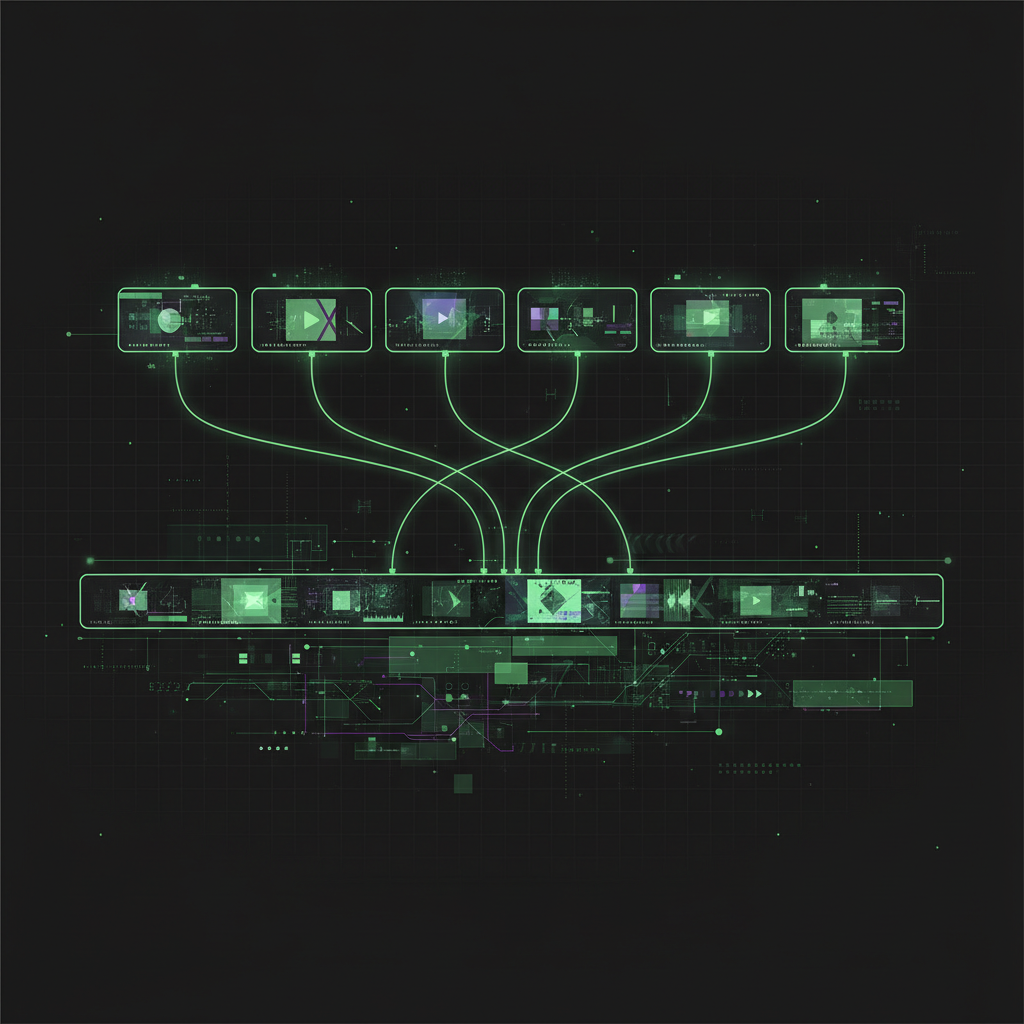
The best clipping workflow is the one you actually use consistently. Whether you scrub manually with markers or let AI do the heavy lifting, the important thing is to extract and publish highlights from every piece of long-form content you create. The footage is already shot — the highlights are waiting to be found.