How to Turn Twitch Streams Into YouTube Shorts Automatically
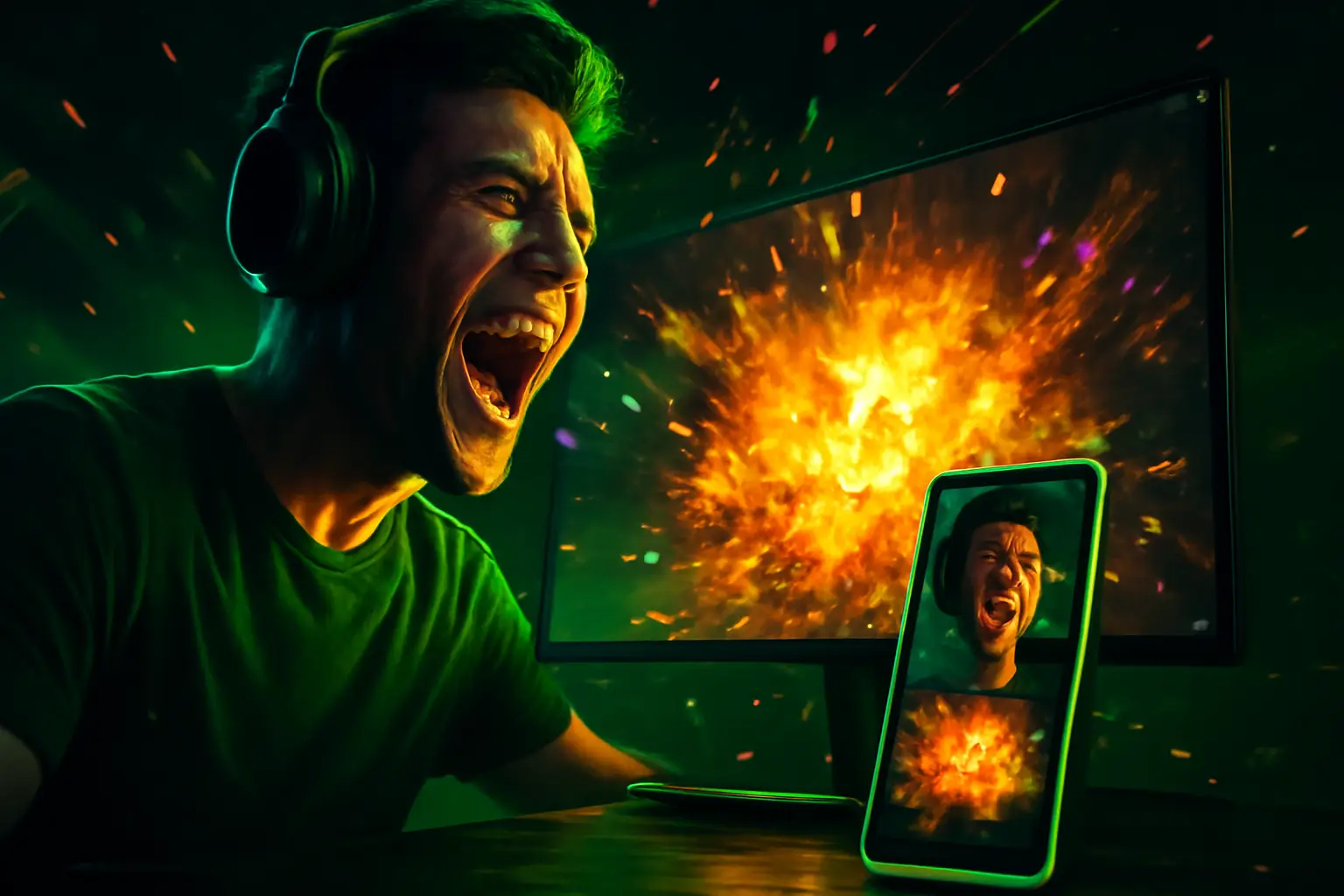
You streamed for four hours. Somewhere in there is the clutch, the rage quit, the bug that broke the game and the moment chat lost it. Viewers clipped a few of them, maybe. The rest is sitting in a VOD nobody will rewatch, and short clips are how new people find a stream. Twitch built a vertical clip editor with sharing to YouTube Shorts in 2023 for exactly that reason, as a way to help streamers find new viewers.
The catch: Twitch and YouTube clips run from 5 to 60 seconds and someone has to make each one by hand (Twitch, YouTube). ClipMaster goes through the whole VOD for you. It finds moments from the picture, not just the transcript, so it catches the play on screen and your reaction on the cam, not only the moments you were talking.
The Short Answer
- Upload the VOD in parts of up to 90 minutes, or paste the YouTube link of the stream (paid plans).
- Filter to Hot and search: "clutch win", "streamer screams", "rage quit", "funny glitch".
- Switch the clip to the Game + cam layout: face cam on top, gameplay below.
- Add a reaction clip, a GIF, a sound effect and rage or shake on the big moment.
- Schedule a Short a day to YouTube, and export the same files for TikTok.
Step 1: Get the VOD In
Download your VOD and upload it as MP4, MOV or AVI, up to 90 minutes and 5 GB per file. A four-hour stream goes in as three files; upload them all at once and five process at the same time. If the stream is on YouTube, paid plans can paste the link instead.
Step 2: Find the Moments Chat Would Clip
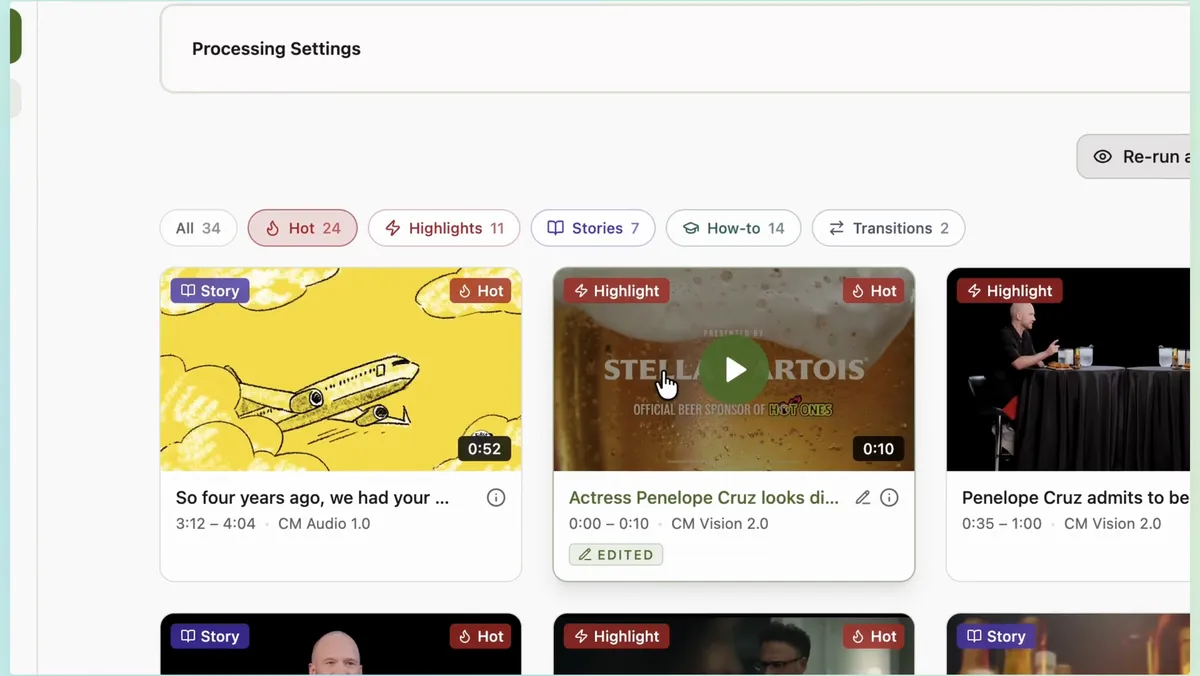
ClipMaster watches the gameplay and the cam, listens for shouting, laughter and loud hits, and reads what you say. Each clip comes back with a virality tier (Hot, Warm or Neutral), a type, a suggested hook line and a description. Filter to Hot, then search for what you remember:
- "clutch 1v3 win"
- "streamer jumps out of the chair"
- "rage quit"
- "funny glitch"
- "boss finally dies"
Step 3: Game + Cam Layout
A streaming layout squashed into 9:16 makes the cam tiny and the game unreadable. On a paid plan, press Analyze layout: ClipMaster finds the face cam and the gameplay in each shot and suggests Game + cam, with your face on top and the gameplay below. For a just-chatting segment it picks Focus on you instead. You can switch any clip to any layout that fits. More: AI smart crop.
Step 4: Make It Loud
| Moment | Add | Limits |
|---|---|---|
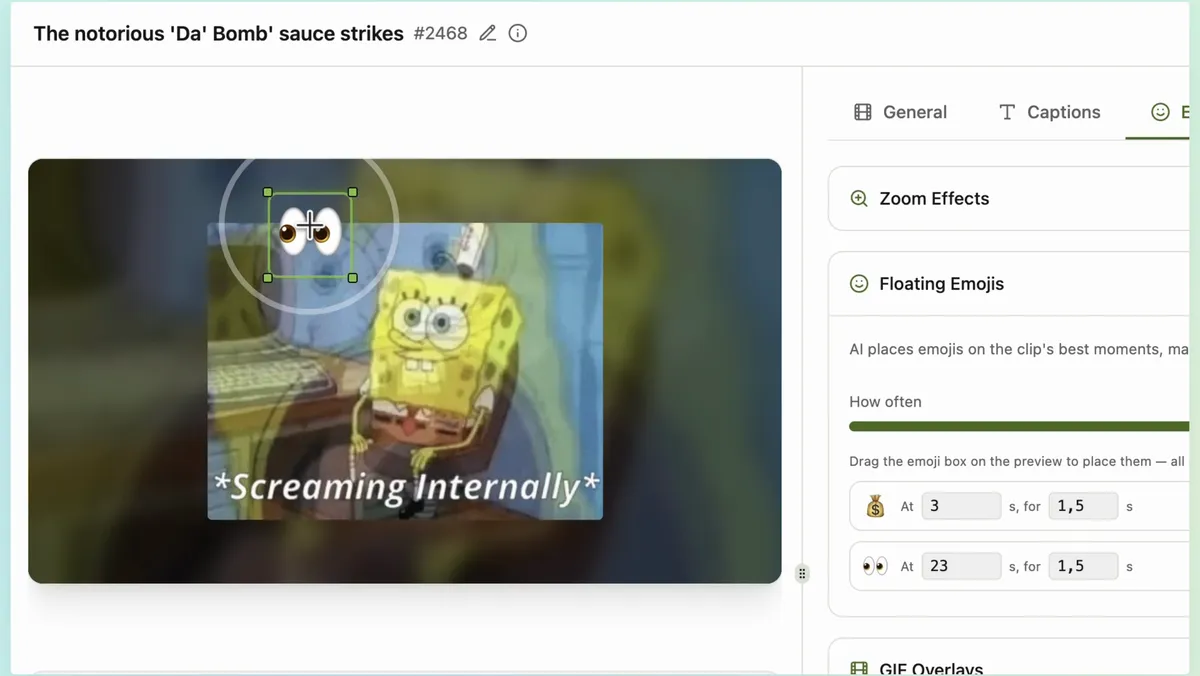
| The win | A reaction clip (movie, TV or meme line with its sound) that pauses the video and plays full screen | Up to 5 per clip |
| The fail | A GIF, or a fullscreen GIF over a blurred background | Up to 5 per clip |
| The rage | Rage, shake, glitch or flash screen effects | Timed to the moment |
| Every hit | Impact sounds and alerts from a 22-sound library | Up to 10 per clip |
| Your face | A sticker that follows your face, a zoom on the cam | Up to 5 stickers |
| The waiting | Speed up the loading screen or the walk back | 0.25× to 4× |
Or press Auto-edit (paid plans), say "chaotic, meme energy", and it plans all of that in one click. Undo removes exactly what it added; Shuffle gives you another take. Add bold captions (Hormozi, Bold Pop, Comic and 12 more) for the people scrolling on mute.
Step 5: Best-of the Week
Compilations (paid plans) pull clips from every stream you uploaded. Describe it ("funniest fails this week") and let the AI cut it as a Best-of, a Countdown ("top 5 clutches of the month") or a Montage from your brief. Auto-edit adds transitions, text cards, music and up to 2 reaction memes across the edit. That is your weekly long-form YouTube video, built from clips you already have.
Step 6: Post Every Day Without Thinking About It
Connect your YouTube channel (paid plans), pick a clip a day and the times. ClipMaster renders each Short before its slot and writes the title, description and hashtags. Export the same 9:16 files for TikTok and Reels. Or ask Claude or ChatGPT to do it: "take today's stream, find the 5 funniest moments, Game + cam, Bold Pop captions, one a day at 6pm" works through the ClipMaster MCP connector.
FAQ
How do I turn a Twitch stream into YouTube Shorts automatically?
Download the VOD, upload it to ClipMaster in parts of up to 90 minutes, and it returns ranked clips. Switch them to the Game + cam layout, press Auto-edit, and schedule them to YouTube. You review before anything goes out.
Does it find moments when I'm not talking?
Yes. It reads the gameplay and your cam as well as the transcript, so a silent clutch or a reaction face is found too.
Can it put my face cam on top of the gameplay?
Yes, on paid plans. Analyze layout detects the cam and the game and suggests Game + cam: face on top, gameplay below.
What does a four-hour stream cost?
1 token = 1 minute, so 240 tokens. Pro is $49 a month for 600 minutes, Creator $19 for 200, and unused minutes never expire. New accounts get 5 free minutes. See pricing and how ClipMaster works.