How to Edit Skate and Action Footage Into Clips Fast
A session at the park is two hours of footage for maybe four makes. Add the bails, the run-ups, the tries from three angles and a filmer who never stopped recording, and you have a card full of video nobody wants to scrub. Action cameras make it worse: a GoPro HERO13 Black can shoot slow motion at up to 400 frames per second, so every try is worth keeping.
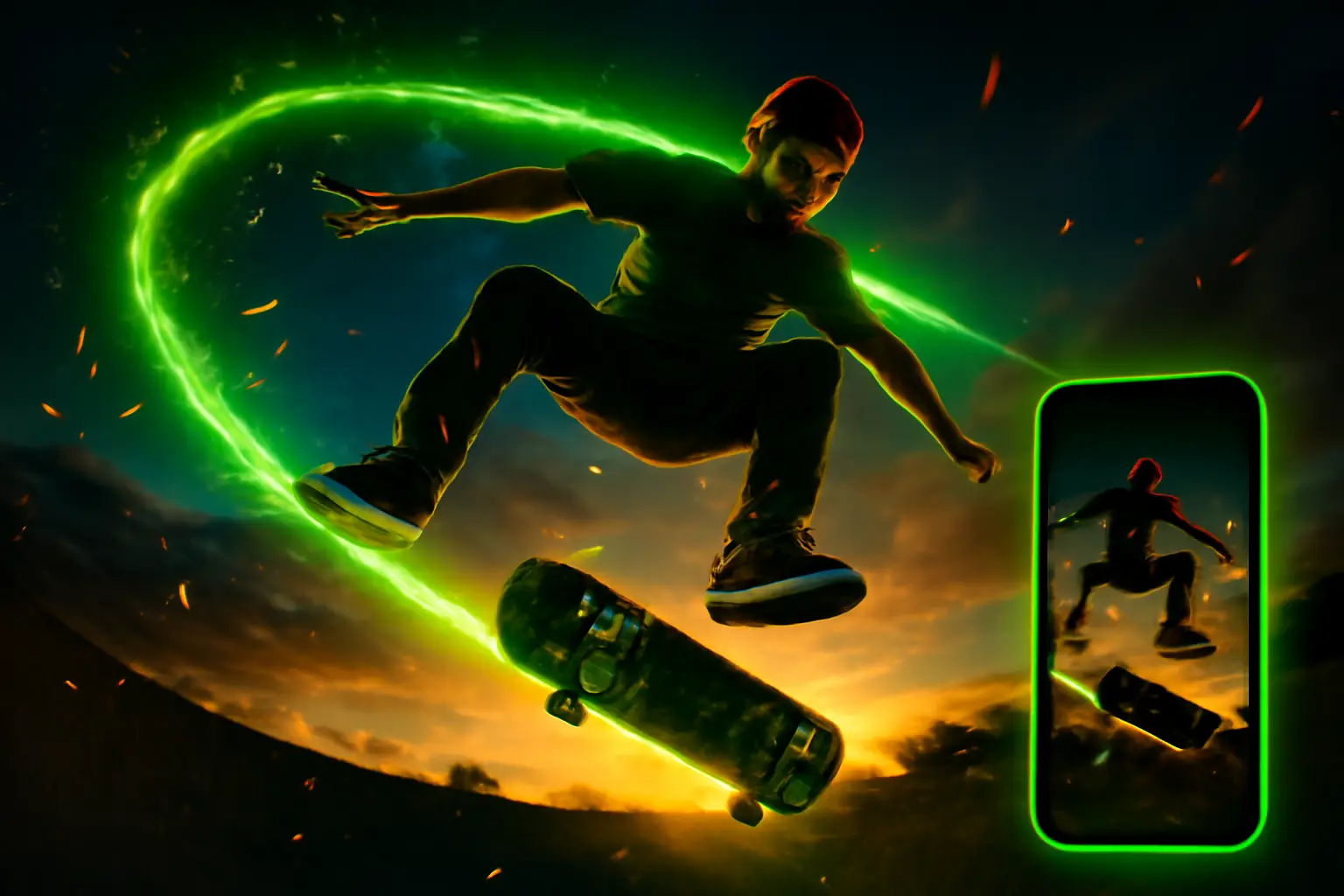
Skating, BMX, surf, snow and parkour have one thing in common: the best moment has no words in it. Tools that clip from the transcript don't see the trick. ClipMaster finds moments from the picture, not just the transcript, so it finds the landing, the slam and the crowd losing it. Here is how to go from a full card to clips ready to post.
The Short Answer
- Upload the whole session, every angle at once.
- Search for the trick: "kickflip down the stairs", "bail", "friends cheering".
- Frame the rider for vertical with Focus, which follows one person.
- Slow down the pop, add shake on the landing and an impact sound.
- Cut a Montage or a "top 10 tricks" Countdown from every session you have.
Step 1: Dump the Card
Upload MP4, MOV or AVI files, up to 90 minutes and 5 GB each, as many as you want at once; five process at the same time. No need to trim the dead time first. ClipMaster watches the picture frame by frame and listens for the cheering, the board hitting the ground and the yells, so the attempts with a reaction rise to the top.
Step 2: Find the Makes (and the Slams)
Each clip comes back with a virality tier (Hot, Warm or Neutral), a type and a description such as "skater lands a kickflip and friends rush in". Filter to Hot first. Then search in plain words for the moments you know are in there:
- "kickflip down the stairs"
- "rider lands and raises arms"
- "bail on the rail"
- "wave barrel" or "backflip off the kicker"
- "crowd cheering"
Don't skip the slams: a good bail is a clip of its own. More on picking: which AI clips to post.
Step 3: Keep the Rider in Frame
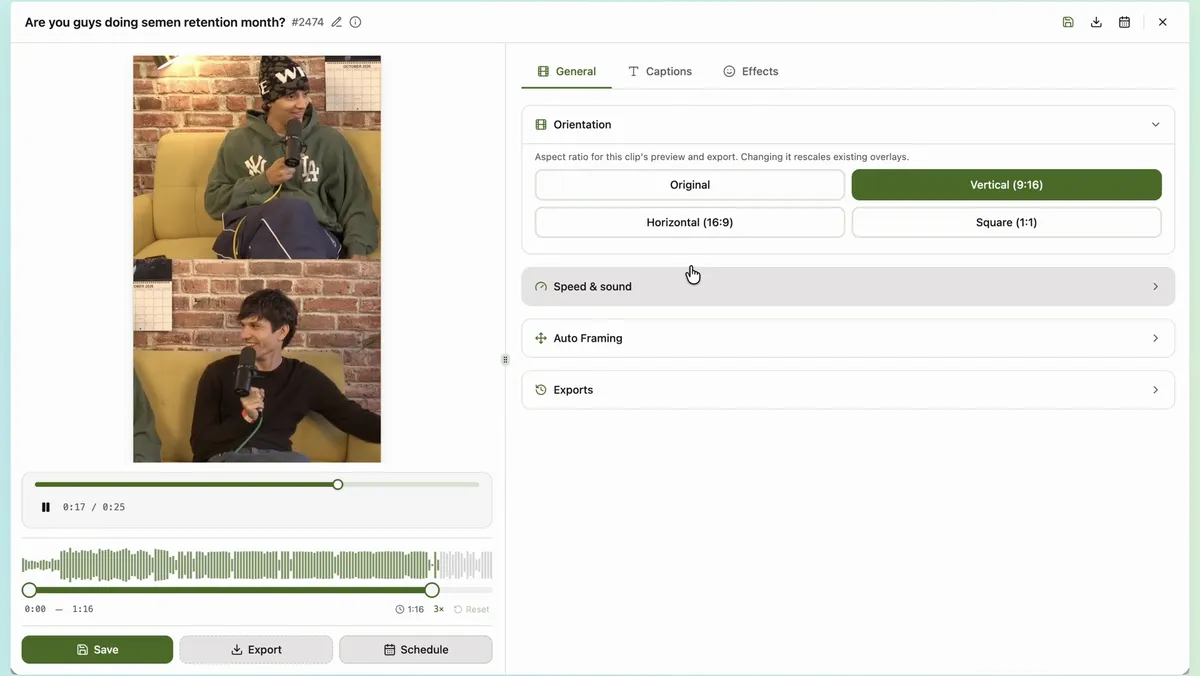
Action footage is usually wide, and a centre crop to 9:16 loses the rider halfway through the line. On a paid plan, press Analyze layout: Focus follows one person across the shot and pans smoothly instead of jittering, and Fit keeps the whole wide frame over a blurred copy for shots where the spot itself is the story. Layout changes snap to your camera cuts. Details: AI smart crop.
Step 4: Slow-Mo, Shake and a Hit
On a paid plan, Auto-edit plans the edit in one click: speed changes, zooms, screen effects and sound effects, spaced so they don't crowd each other. Tell it "raw skate video, VHS feel" and it follows. Or do it by hand:
| Moment | Edit | ClipMaster tool |
|---|---|---|
| The pop and the flip | Slow it to 0.25× to 0.5×, rest at 1× | Speed ranges |
| The run-up | Speed it up to 2× to 4× | Speed ranges |
| The landing | Shake, flash or impact pulse | Screen effects |
| The whole clip | VHS grain, black & white or cinema bars | Screen effects |
| The slam | An impact sound, a reaction clip | Sound effects, reaction clips |
| The face after the make | A slow push-in | Zoom that glides in over up to 10 s |
Captions, stickers and effects move with the picture when you change the speed, so nothing falls out of sync.
Step 5: Make a Montage From Every Session
Compilations (paid plans) pull clips from all your projects, so a whole summer of sessions can become one edit. Describe it, for example "fast street montage, only clean makes, end on the biggest drop", and let the AI cut it as a Montage from your brief, a Countdown ("top 10 tricks of the year") or a Best-of. Auto-edit then picks transitions, a background track and slow motion on each peak, and a beat pattern can stutter a scene on the music's beat right before the landing.
How compilations work: how to make a compilation video.
Step 6: Post It
Export 9:16 for TikTok, Reels and Shorts, 16:9 for the full part, or 1:1, at 1080p. Connect your YouTube channel to schedule a clip a day; the AI writes the title and hashtags and a calendar shows what is queued.
FAQ
Can AI find tricks in skate footage?
Yes, if it reads the picture. ClipMaster looks at what happens on screen and listens to the reactions, so it finds makes, slams and crowd moments without anyone talking. You can also search for a trick by describing it.
Does it work on GoPro and drone footage?
Yes. Upload the MP4 or MOV files straight from the card, up to 90 minutes and 5 GB each. Then change the speed of any stretch, from 0.25× to 4×.
How do I make a skate montage automatically?
Build a compilation from your clips, describe the montage you want, and let the AI cut it as a Montage. Auto-edit adds transitions, music, slow motion and effects. Adjust any scene by hand afterwards.
What does it cost?
1 token = 1 minute of footage. New accounts get 5 free minutes; the Creator plan is $19 a month for 200 minutes, and unused minutes never expire. See pricing and how ClipMaster works.