How to Turn Concert Footage Into Shorts, Reels and TikToks
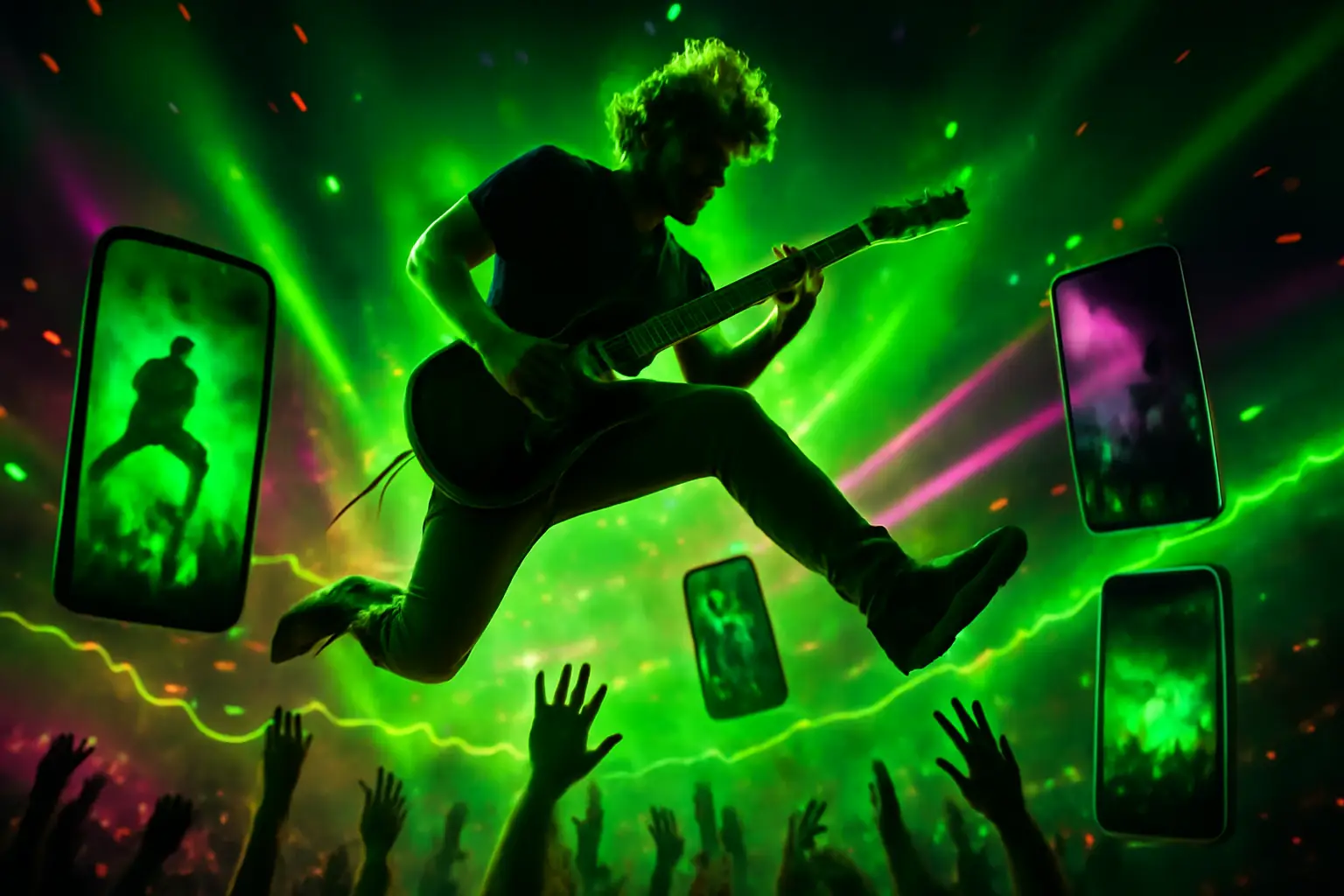
You filmed the whole show. Ninety minutes from the side of the stage, a phone in the crowd, maybe a fixed camera at the back. Somewhere in there is the chorus where the whole room sings, the guitarist's jump and the second the confetti drops. Those are the clips that sell the next show. Finding them is the job nobody has time for on tour.
Transcript-based clipping tools are close to useless on a concert: there is barely any speech, and the lyrics don't tell you when the crowd went off. ClipMaster finds moments from the picture, not just the transcript, and it hears the room: applause, loud hits, singing. Here is how to turn one gig into a week of Shorts, Reels and TikToks. YouTube's own Shorts guide for artists tells musicians to post performance highlights, and this is the fast way to have enough of them.
The Short Answer
- Upload the show (up to 90 minutes per file; split longer sets).
- Filter the clips to Hot and search for the moments you remember: "crowd singing along", "guitar solo", "confetti".
- Frame each clip for vertical: follow the singer, or keep the whole stage.
- Add an impact pulse on the drum hits and slow motion on the jump.
- Cut a Countdown or Trailer from several shows, and schedule the Shorts to YouTube.
Why Concert Footage Is Hard to Clip
| What makes a great concert clip | Can a transcript find it? | What ClipMaster uses |
|---|---|---|
| The crowd jumping on the drop | No | The picture and the loud hit in the audio |
| Everyone singing the chorus back | Barely | Singing and crowd noise in the audio |
| The guitarist's leap off the riser | No | The picture |
| The singer talking to the crowd | Yes | The transcript, plus the reaction after |
Step 1: Upload the Set
Upload MP4, MOV or AVI files up to 90 minutes and 5 GB each, several at once. If you filmed from more than one angle, upload them all; you will combine them later. On a paid plan you can also paste a YouTube link to a live video you already posted.
Step 2: Start From the Hot Clips
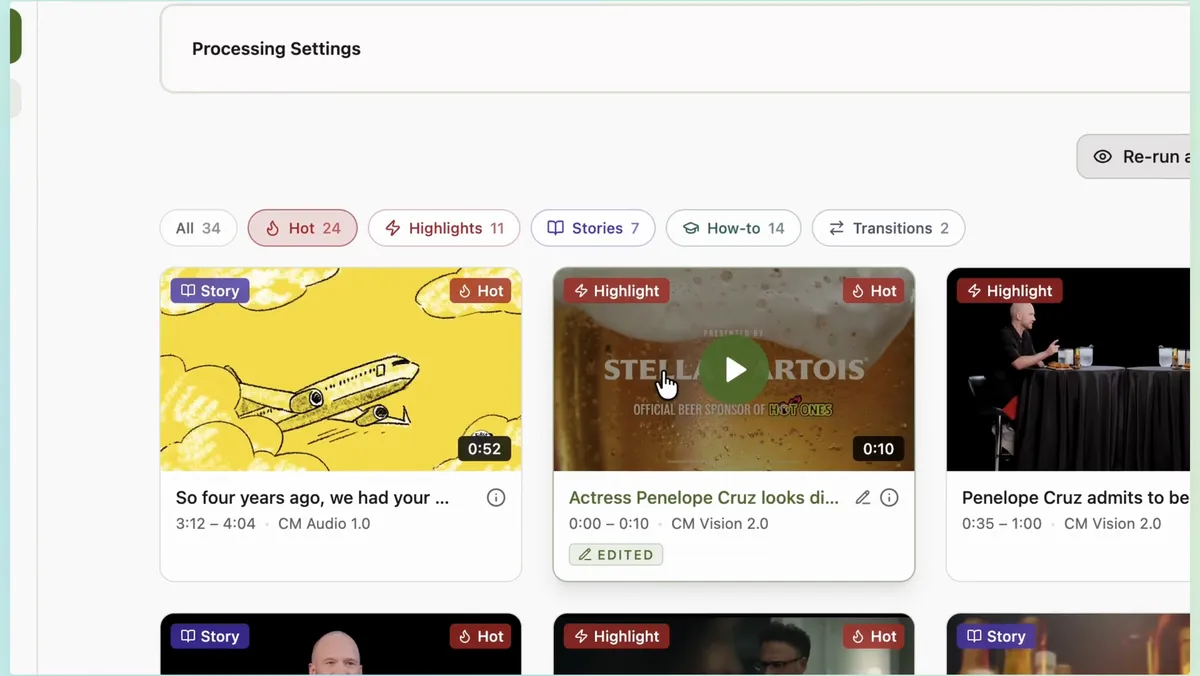
Every clip comes back labelled before you render anything: a virality tier (Hot, Warm or Neutral) based on how strong the opening is and how intense the moment is, a type such as Highlight, and a description like "crowd jumps as the band hits the final chorus". Filter to Hot and you have your shortlist.
Then search for what you remember from the night, in plain words:
- "whole crowd singing"
- "guitar solo close up"
- "singer stage dives"
- "lights go out and the drums kick in"
- "confetti cannons"
Step 3: Frame the Stage for a Phone
A wide stage shot cropped to 9:16 usually cuts the band in half. On a paid plan, press Analyze layout and ClipMaster picks a vertical layout for each shot: Focus follows one person and holds still when they barely move, Split stacks two players, and Fit keeps the whole stage over a blurred copy. Layout changes snap to the camera cuts. More in AI smart crop.
Step 4: Make It Hit
Press Auto-edit (paid plans) and tell it the energy you want ("loud, punchy, big drops"). It places zooms, screen effects and speed changes so they don't crowd each other. The effects worth knowing for live music:
- Impact: a pulse on every loud, abrupt sound, so the picture punches on the kick and the snare.
- Strobe, flash, party lights and glow for the big moments.
- Slow motion on the jump or the drop, from 0.25×, with the rest at normal speed.
- Zoom that glides in over up to 10 seconds during a build, then snaps back.
Captions help when the singer talks between songs, and a second line in another language (paid plans, 21 languages) helps on a tour abroad.
Step 5: Build a Tour Reel From Every Show
Compilations (paid plans) pull clips from all your projects, so five nights of a tour can become one video. Describe it ("the five loudest crowd moments of the tour") and let the AI cut it as a Countdown, a Best-of or a Trailer for the next leg. Give a scene a beat pattern (a stutter, build-up or jump cut on the music's beat) right before the drop, and add text cards with the city and date.
Step by step: how to make a compilation video.
Step 6: Schedule a Week of Shorts
Connect your YouTube channel (paid plans), pick a clip a day and a time. ClipMaster renders each one before its slot, writes the title, description and hashtags, and shows the week on a calendar. Export the same clips as 9:16 files for TikTok and Instagram. More: schedule YouTube Shorts from your clips.
Before You Post
- Check the rights. Your own songs are yours to post; covers and venue footage may come with rules from the venue, label or publisher.
- Open on the peak. Start a clip one or two seconds before the drop, not at the start of the song.
- One moment per clip. A 20-second clip of the room singing beats a 3-minute song.
FAQ
What is the best AI tool to clip concert footage?
Pick one that reads the picture and the audio, not only the transcript, because most of a concert has no speech. ClipMaster does that on paid plans, labels the clips by how strong they are, and lets you search for a moment by describing it.
Can it find the moment the crowd goes wild?
Yes. It hears crowd noise, applause, singing and loud hits, and sees the movement on screen, so those moments come back as clips. You can also search for "crowd jumping".
My set is two hours long. Will it work?
Each file can be up to 90 minutes, so split a longer recording into two files and upload both. Compilations can pull from both afterwards.
How much does it cost?
1 token = 1 minute of footage. A 90-minute show uses 90 tokens; the Creator plan is $19 a month for 200 minutes, and unused minutes never expire. See pricing and how ClipMaster works.